


Trusted by Canadian financial practices



Your team loses hours each week logging work they already did
Manual CRM Work Slows Everything Down
You write a client email. Then you open the CRM, find the client, paste a note, update a date. Or you don’t, because you’ll do it later, and later gets busy.
Important Client Records Fall Through the Cracks
The monthly check-in slips. The call log never quite makes it onto the record. The senior advisor took the call, and the junior associate is piecing it together from three emails and a sticky note.
Compliance Demands Keep Growing
Every time CIRO publishes a new examination priority, the list of things that need to be documented, retrievable, and defensible gets a little longer.
Every email saved.
Every audit answered.
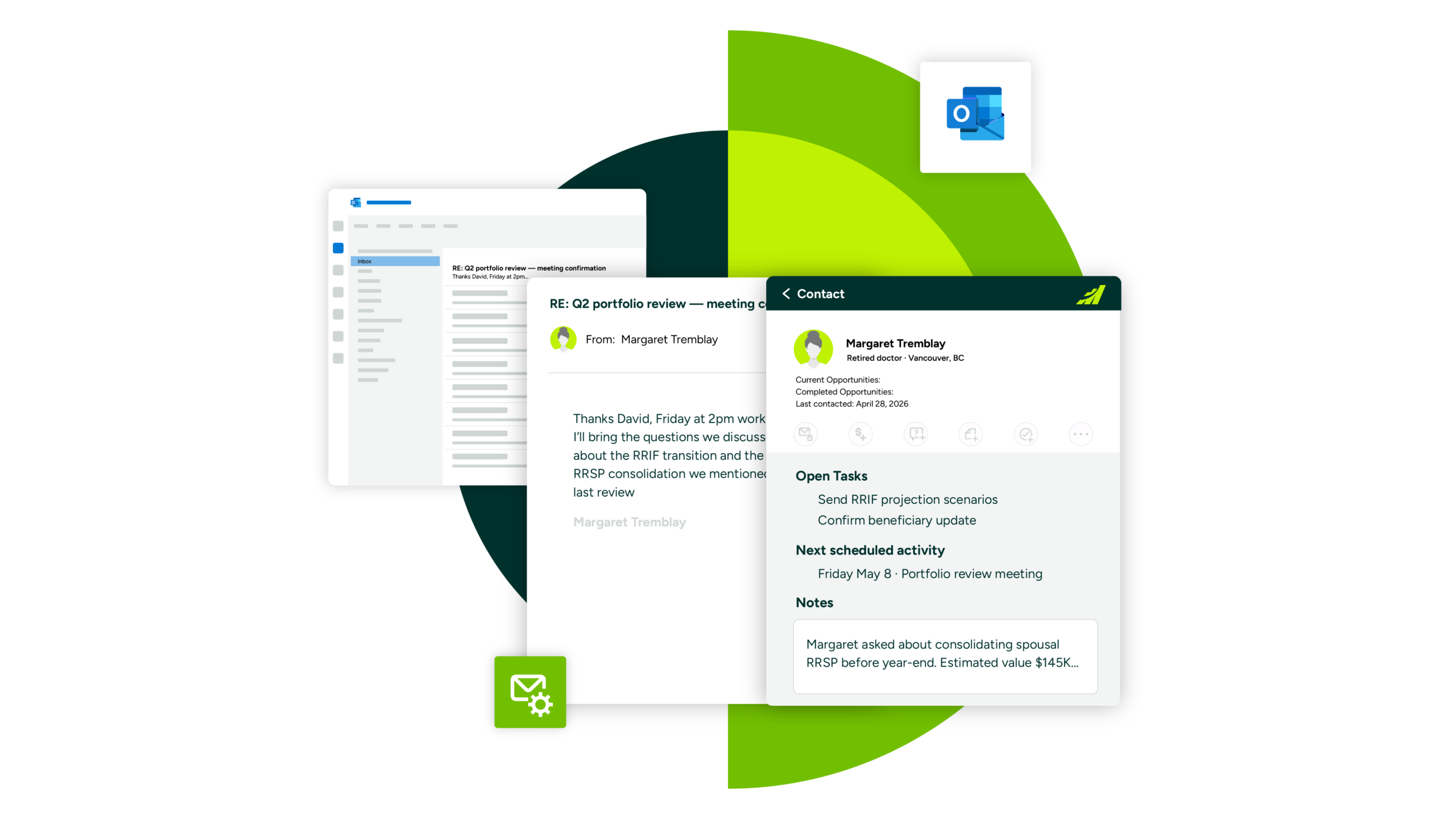
Maximizer’s Outlook integration saves financial services professionals like you hours every week by capturing emails, updating tasks and notes with minimal effort, and turning emails into action.
Make audit readiness a byproduct of everyday work
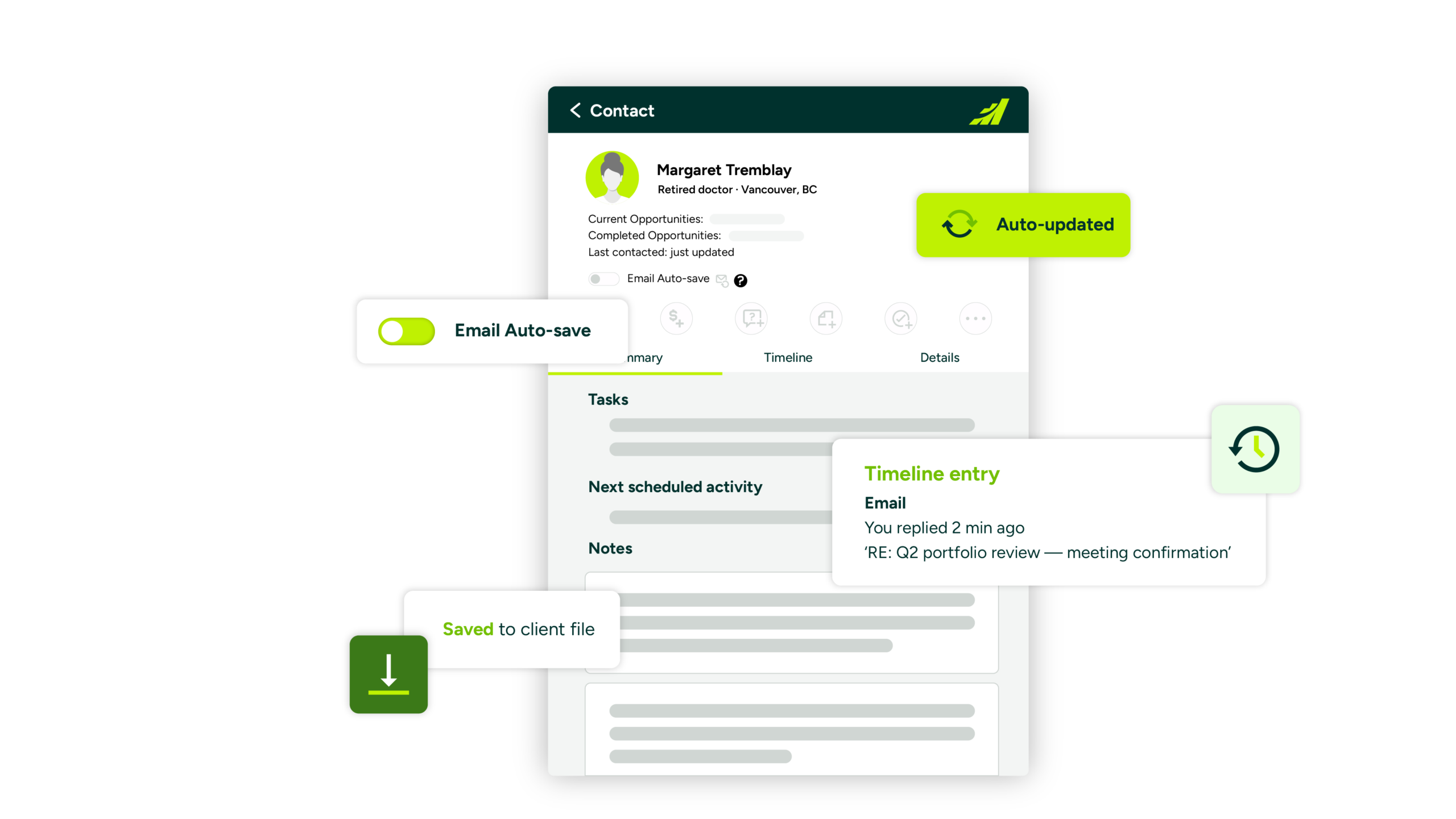
Keep client records complete and audit-ready by logging emails, meetings, and activities automatically.
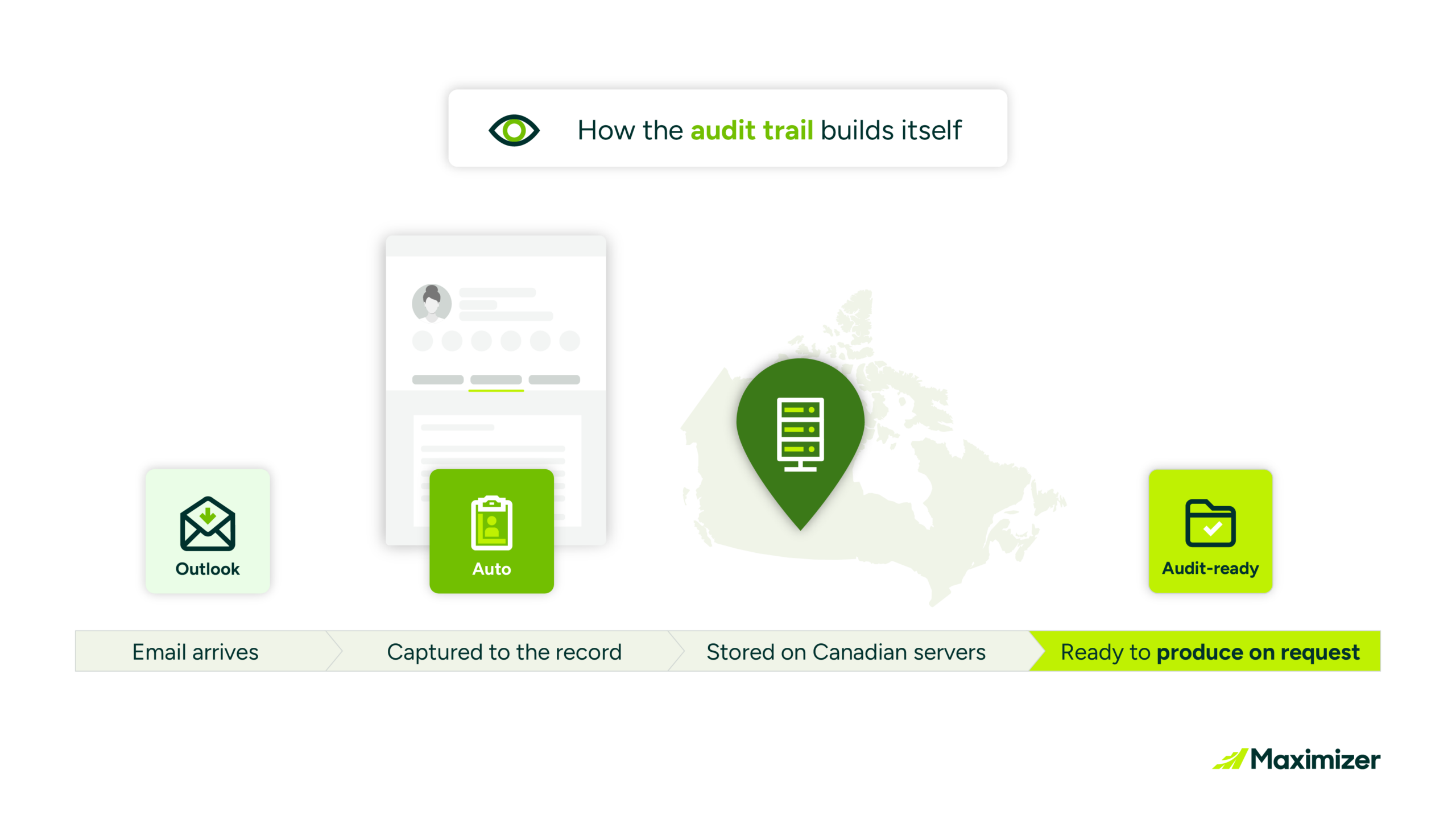
No CC-to-compliance. No manual logging. Client emails are captured to the record automatically, and your firm’s archiving and supervision stay in place. The record is there before anyone asks.
Continuous background sync captures emails, events, tasks, and contacts across multiple devices.
Stop platform switching. Work in one window
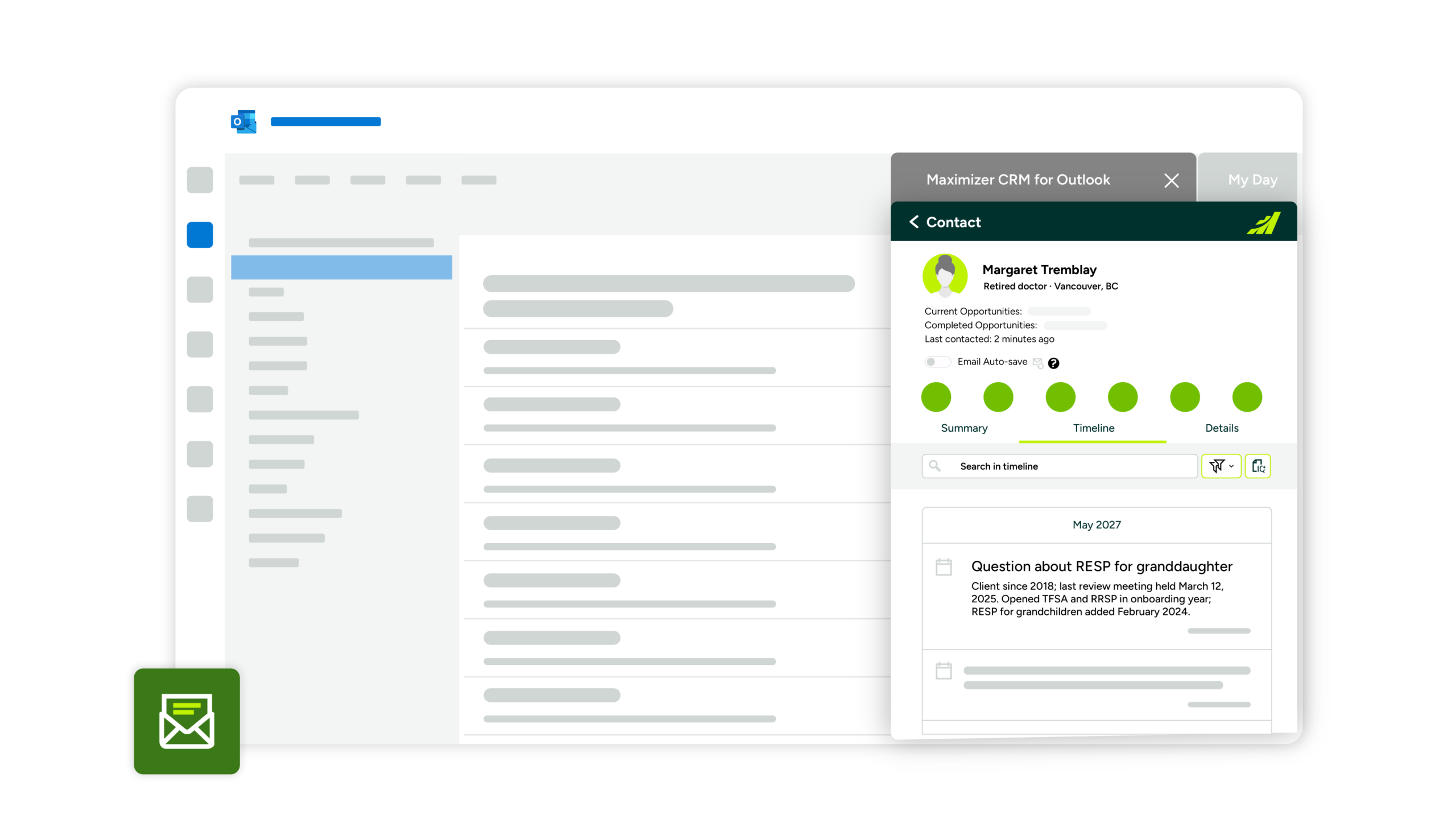
See client histories, tasks, and activities in a reading pane beside the email.
Keep your workflows uninterrupted. Access and update CRM data from Outlook.
MS Teams integration for case and opportunity collaboration across the practice.

Turn every email into a next step
Create a contact, lead, opportunity, case, task, note, or appointment from Outlook.
Email from a new prospect? Add them to the system before you close the thread.
Summarize threads and entire client histories with compliant AI available in the same pane.
“Less worrying about compliance at night”
Built for the Canadian advisor
Retrievable books and records
Maximizer captures every client email, meeting, and activity to the right record on Canadian servers, ready to produce on request.
FINTRAC record-keeping obligations
Canadian data residency
SOC 2 Type II audited security
Already on Maximizer?
Classic Outlook is being phased out, and Microsoft is no longer investing in the COM technology the legacy integration relies on.
Switch to the new Maximizer CRM app for Outlook
Cloud-based architecture
Persistent authentication
Continuous sync across desktop, web, and mobile
Automatic email capture
Opportunities, call logs, notes, and appointments
Full client history panel in the reading pane
Best in class CRM software
Over 35 years of delivering exceptional results.






Learn why people love Maximizer
Maximizer Names Gabe Karkanis President and Chief Product Officer
Gabe Karkanis Named President of Maximizer: Leading the next chapter of AI in CRM VANCOUVER, B.C. Maximizer Software Inc., today announced the appointment of Gabe Karkanis as President and Chief...
Continuum + Maximizer: every client conversation, captured
Continuum + Maximizer: every client conversation, captured The Continuum integration for Maximizer is now available. Finish a client meeting or call, and one click puts the notes, action items, and...

Top Single Client View CRM for Financial Services and SMB Sales Teams in 2026
Top Single Client View CRM for Financial Services and SMB Sales Teams in 2026 The top single client view CRM for financial services and SMB sales teams brings client interactions, documents, and...
See it on your own inbox
A 20-minute demo is enough to show how much of your team’s daily admin disappears once the CRM lives in Outlook. Walk through it on a real advisor inbox.
Frequently asked questions
How is this different from the legacy Maximizer Outlook integration?
The legacy integration ran on outdated Microsoft COM technology, desktop only. The new Maximizer CRM app for Outlook is a cloud-based add-in that works on desktop, web, and mobile Outlook. It captures emails, meetings, and activities to the client record automatically, and adds what the legacy never did: opportunities, call logs, notes, appointments, and the full client history panel. If you are on the legacy integration, your CSM can plan the upgrade.
Can Maximizer be integrated with other Microsoft tools?
Yes, Maximizer integrates with key Microsoft tools such as Outlook, Teams, SharePoint, OneDrive, Power Automate, and Power BI. This integration allows for unified data management, better communication, and real-time analytics, making it a powerful CRM solution for Microsoft users.
Does this support our compliance obligations as a CIRO dealer?
Yes. Maximizer hosts client data on Canadian servers, captures and retains client communications tied to the contact, and supports the books and records obligations under NI 31-103 s. 11.5(2) and IDPC Rule 3786. For insurance-only practices, the same capture applies to FINTRAC record-keeping and provincial insurance regulator requirements.
What about Maximizer's own security posture?
Maximizer hosts client data on Canadian servers and is independently audited against SOC 2 Type II controls. Your IT and compliance teams can request current documentation through our Trust Centre.
Does it work with the New Outlook?
Yes. New Outlook is now the default, and the Maximizer CRM app for Outlook is built for it. Email, contact, task, and calendar sync run continuously in the background across Outlook clients, including mobile.
Can I use AI without exposing client data?
Yes. IQ Boost is Maximizer’s built-in AI for advisors. It runs inside Maximizer on your own client records, on Canadian servers, and does not send client data to outside models. Use it to summarize a thread, draft a follow-up, or pull a client’s history together in one view.
