

The book gets harder to manage as it grows
When Growth Starts Breaking the System
At 50 households, the service calendar lives in your head and that is fine. At 150, reviews start slipping. At 250, your top clients still get the full experience and everyone else gets whatever time is left in the week.
Critical Follow-Ups Falling Through the Cracks
For insurance advisors, the pressure shows differently: renewal dates tracked in carrier portals and shared mailboxes, term-to-perm conversion windows that open and close without anyone noticing, new business applications stalling between the advisor, the admin, and the carrier.
The Hidden Cost of Manual Operations
The status quo, spreadsheets, Outlook reminders, sticky notes, and memory, keeps the practice running until it does not. When it stops working, the cost is real: missed renewals, lapsed reviews, compliance exposure, and new associates who take a year or more to carry their own weight.
Consistency at scale
Every client feels like a top client
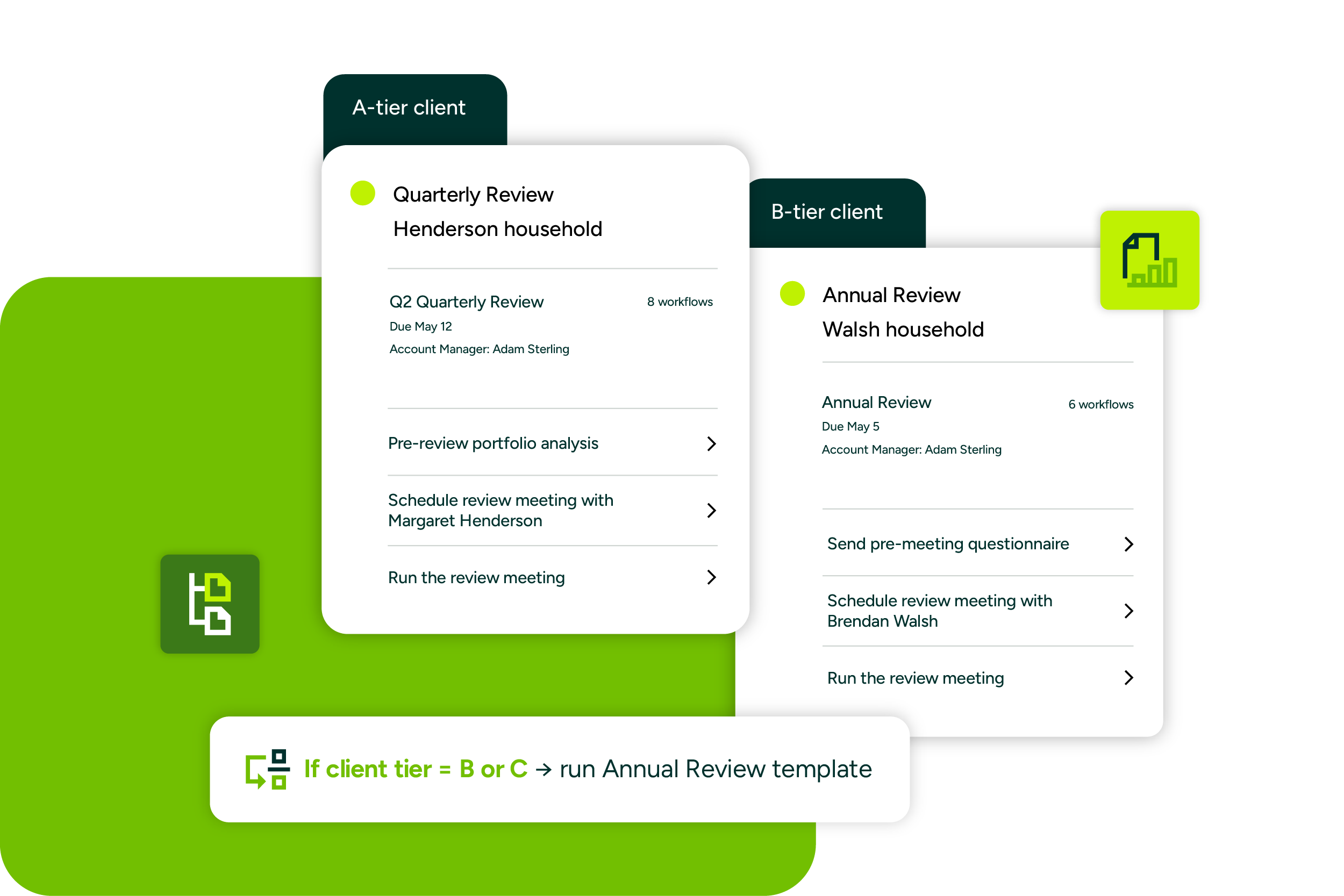
Different clients, different cadence, set automatically
Quarterly for your key households, annual for the rest. Most tools run on one cadence. Workflows knows which client it is serving.
No client quietly falls off the radar
Scheduled service for all your accounts, so the ones who used to get whatever time was left stop quietly leaving.
Service the book with the team you have
One template assigns and spreads the work, so a bigger book does not mean another admin hire.
Never miss a review, renewal, or compliance deadline
Deadlines start themselves
KYC refreshes, renewals, and conversion windows fire off the dates already on the record. Nobody has to remember.
Catch the window before it closes
Reviews and term-to-perm conversions kick off early, so you have more opportunity to land new business.
Build the audit trail as you go
Completed workflows update CRM records, so the compliance trail builds itself without adding admin strain.
A practice that runs like clockwork
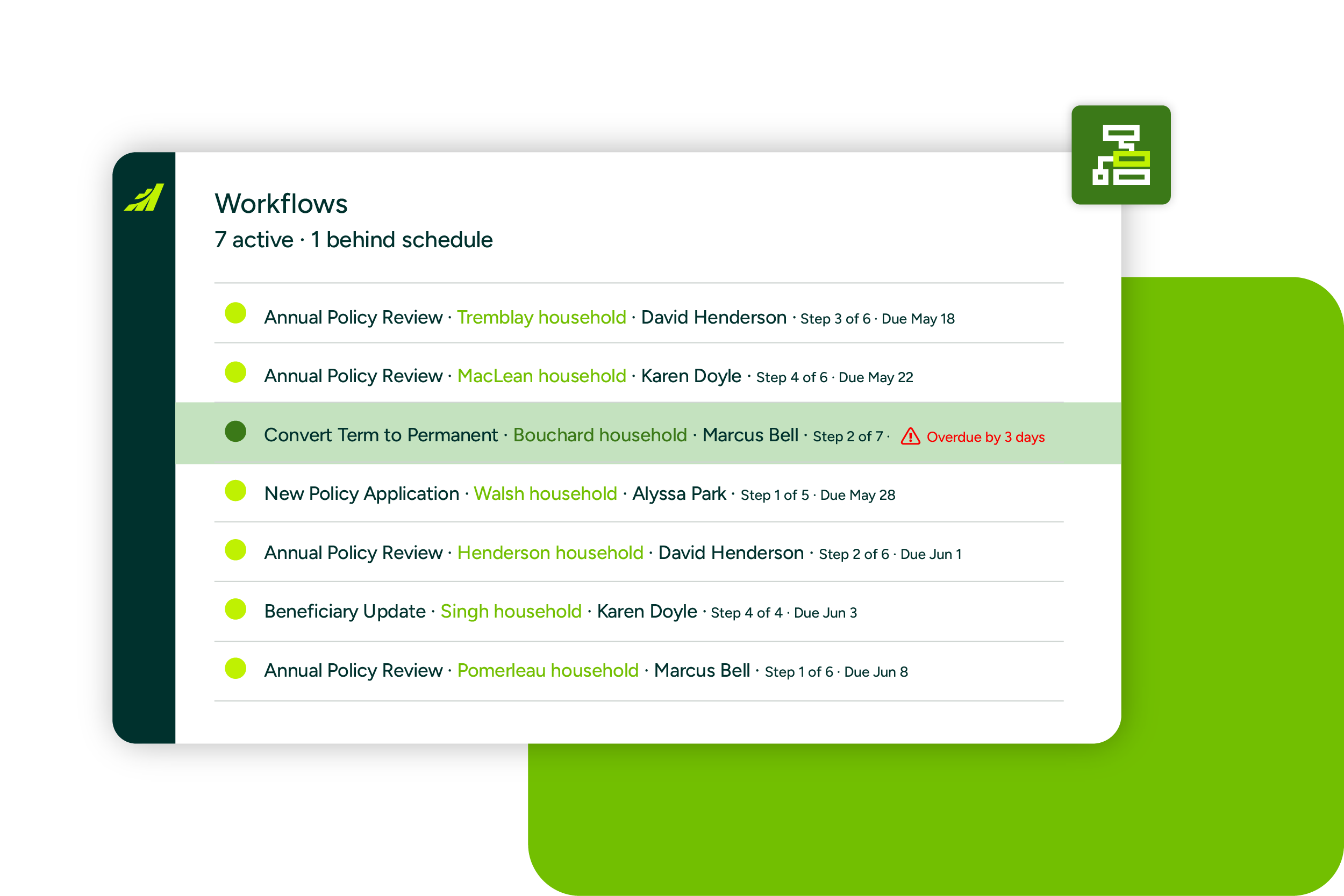
See the process end-to-end
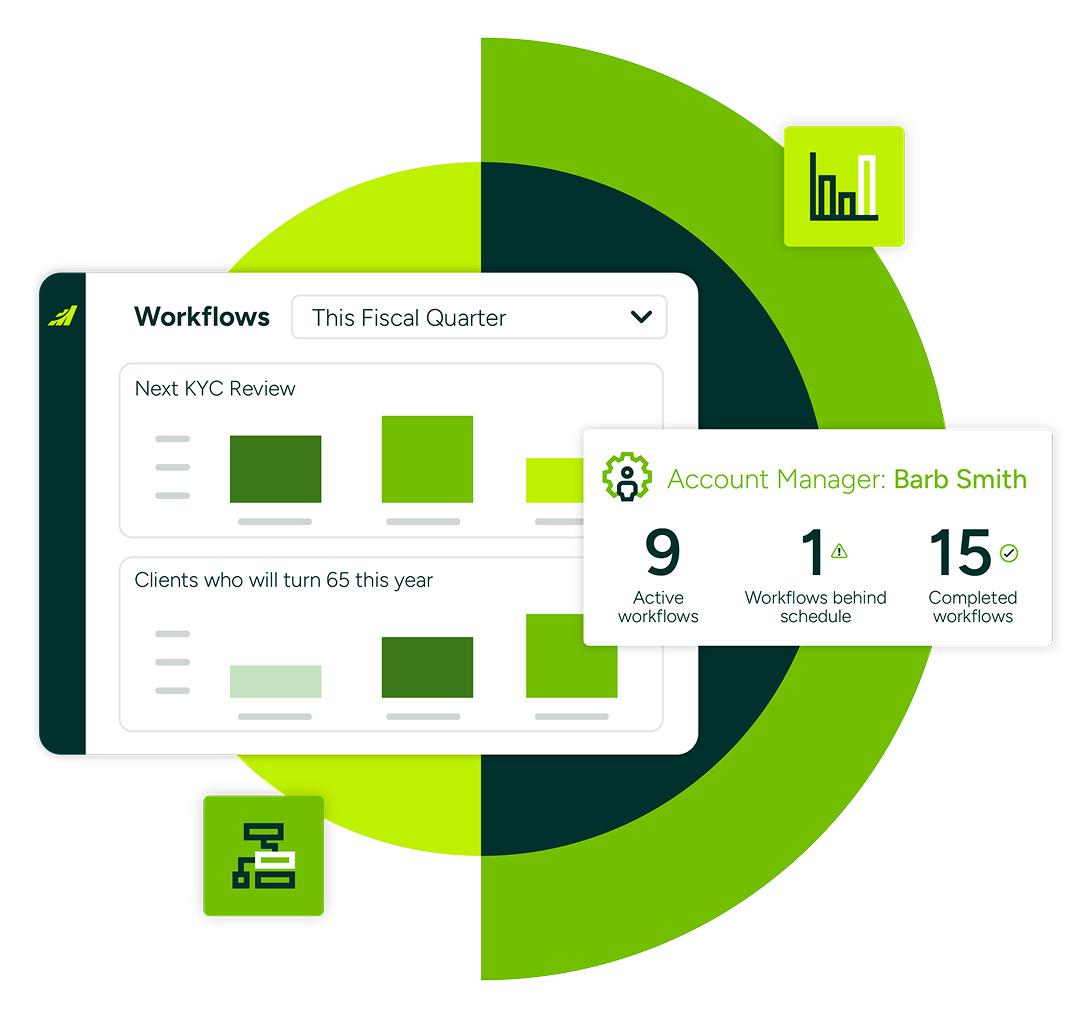
Active workflows appear in one dashbaoard, so you know what is coming without chasing the team for status.
New hires ramp in weeks, not a year
The service process lives in templates, not in the founder’s head, so a new associate can help clients almost immediately.
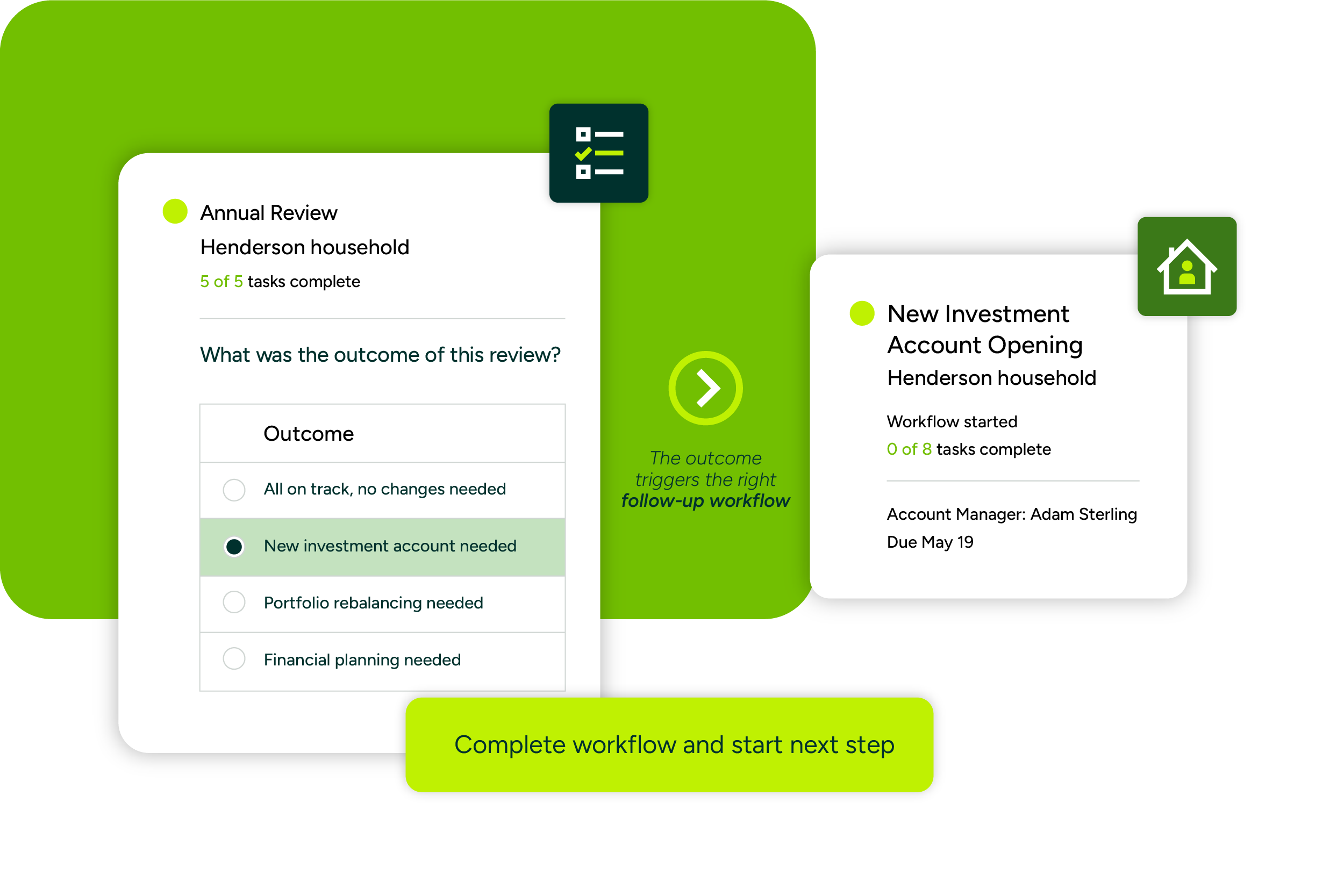
The right follow-up to any outcome
Set follow-up actions when completing a workflow. The next step starts itself instead of sitting in someone’s head.
Right service for every household
Wealth advisors
Quarterly Reviews for your key clients. Annual Reviews for the rest. Deliver the right service plan to the right household, calibrated to the care each one needs.
Insurance advisors
Run annual reviews without a spreadsheet. Track every renewal, conversion window, and new business opportunity off the policy record. Every step routes to the right person on the team.
18+ templates.
Ready on day one.
Built for the process Canadian advisor practices run every year. You do not need a consultant to get value from Workflows.

Wealth and Financial Advisor Templates
- KYC Review
- Annual Review
- Quarterly Review for Key Clients
- RRSP to RRIF Transfer
- Portfolio Rebalance
- New Account Opening
- New Client Onboarding
- Financial Planning

Insurance Advisor Templates
- Insurance Policy Review
- Insurance Renewal
- Convert Term to Permanent
- New Business Application
- New Business Key-Person
- New Segregated Fund
- Seg Funds Review
to see the full template library.
See it in 5 minutes
Walk through a KYC review workflow from date trigger to completion.
Companies choose to partner with Maximizer
Frequently asked questions
How do date-field triggers work — do I need to set up each client manually?
No. Date-field triggers fire automatically off dates already on the client or policy record in Maximizer — things like KYC refresh date, policy renewal date, or RRIF conversion window. Once a workflow template is set up with a trigger, any client whose record matches the condition will start the workflow automatically. No manual setup per client is required.
Can I build my own workflow templates, or do I have to use the pre-built ones?
Both. The pre-built template library covers the most common Canadian advisor use cases and is ready to activate from day one. Practice admins can also build custom templates to match your firm’s specific process. Custom workflow build is an admin-level capability in V1.
Does Workflows integrate with Outlook and Microsoft 365?
Maximizer has native Microsoft 365 and Outlook integration. Workflows runs inside the Maximizer record your team already uses alongside that integration. Tasks, client records, and workflow steps are all accessible from within the platform your team works in every day.
How does this help with CIRO compliance documentation?
Workflows automatically updates fields on the client record when workflow steps complete, creating a consistent activity trail. Pre-built templates for KYC Review under CFR structure the compliance process so steps are not skipped. The result is a practice where compliance work happens as part of the normal workflow, not as annual firefighting.
Is Workflows included in Financial Services Edition or a separate cost?
Workflows ships inside Maximizer’s Financial Services Edition (FS+). Investment and insurance use case templates are included in that edition. Sales and service templates are available in Business+ Edition. Book a demo to get details on pricing for your practice size.
Does this work for both wealth and insurance practices?
Yes. Workflows is built for wealth, insurance, and hybrid (dual-licensed) practices. The template library covers investment use cases (KYC, annual review, RRSP-to-RRIF) and insurance use cases (renewals, term-to-perm conversion, new business) in a single product. Date-field triggers fire off both the client record and the policy record.
How long does setup take for a practice already on Maximizer?
The pre-built template library means most practices can activate their first workflow in days, not quarters. Workflows runs inside the Maximizer record your team already uses, so there is no new tool to learn or parallel system to maintain. Book a demo and we will show you exactly what activation looks like for a practice your size.
