Automate Your Sales Process with Maximizer and Zapier
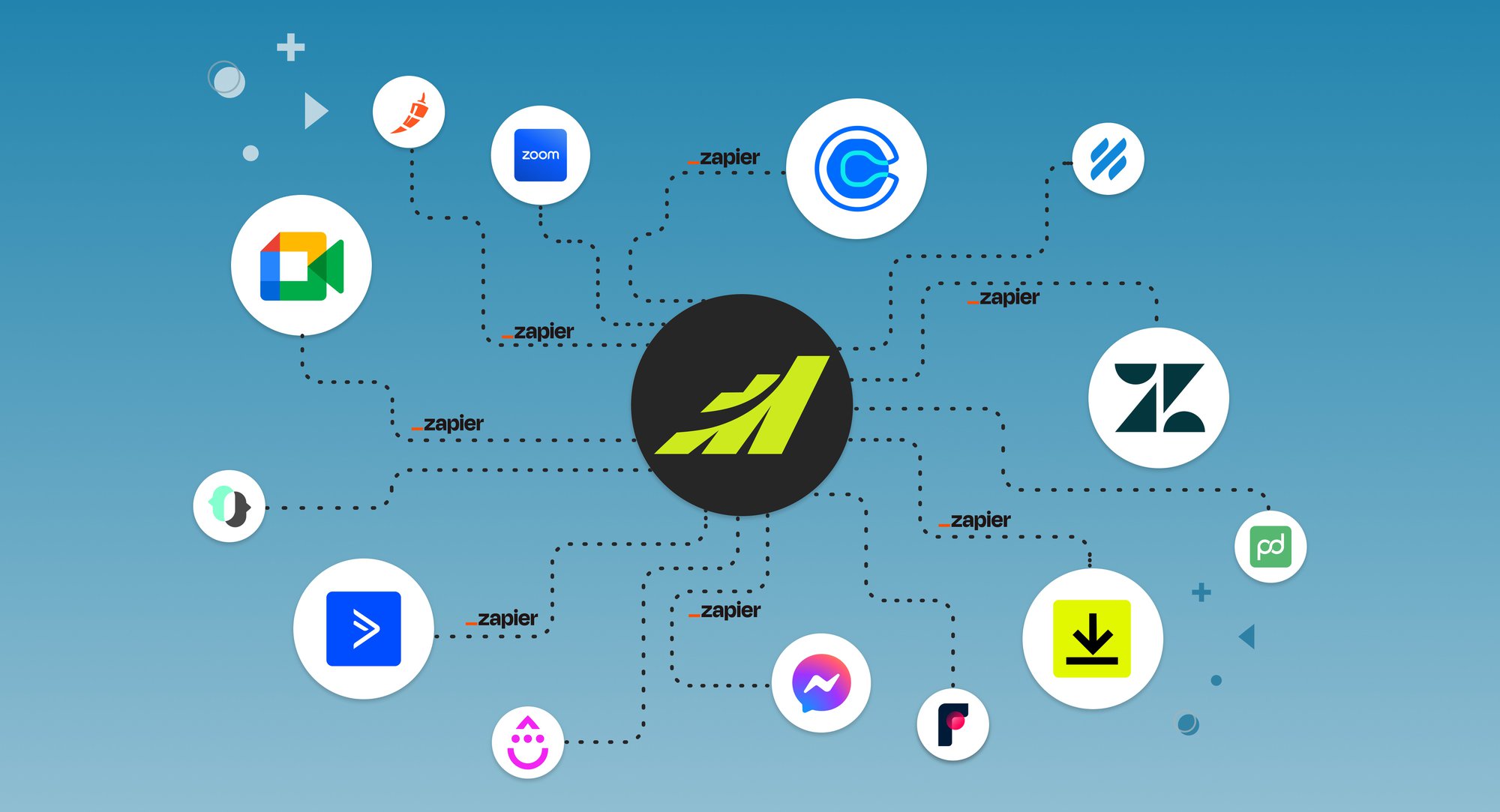
Connect Maximizer with your favorite applications – no coding required.
About Maximizer and Zapier Automations
Maximizer is an award-winning CRM built for sales. Sales leaders can easily customise Maximizer to reflect their own sales process and define and track the activities that must be performed to identify and qualify leads, manage opportunities, and win business.
Out of the box, Maximizer provides a collection of sales workflows. However, many customers need to work with other applications that enable their sales process. Without a way for these applications to work together, isolated collections of customer data are created. These data silos require inefficient, error-prone manual processes to keep Maximizer up to date.
Maximizer solves the stranded data problem by using Zapier, a service that provides pre-built connectors (called Zaps) between thousands of business applications. If Zapier supports your application, you can connect it to Maximizer and keep your CRM as the central repository for your customer data – the way it should be.
This article looks at Maximizer-Zapier automations in three categories crucial to sales leaders: prospecting, productivity, and communications. The examples provided are working, pre-built Zapier workflows specifically tailored to Maximizer. These workflows are ready for you to try — all you need to do is connect your application accounts and set up your data field mapping.
Prospecting
Prospecting, or lead generation, is the process of identifying potential customers. To do that, salespeople must be able to reach customers wherever they are. Increasingly, that means connecting with customers online via the web, email, and social media.
The examples below show how Maximizer can work with different applications to capture leads using email campaigns, web forms and social media lead generation tools.
Automated Lead Capture from Email Campaigns
Mailchimp is a popular email campaign manager. Integrating Mailchimp and Maximizer via Zapier sets up a two-way connection that can create Maximizer leads from email campaigns and add new Maximizer leads to Mailchimp drip email campaigns.
Workflow: When a new subscriber is added to a specific Mailchimp list (associated with a particular campaign), Zapier automatically creates a new lead in Maximizer.

Automated Addition of New Maximizer Leads to Mailchimp or Drip Campaign
When new leads are added in Maximizer, you can automatically add them to an email campaign in Mailchimp.
Workflow: This Zap adds new subscribers to a Mailchimp drip campaign whenever new leads are created in Maximizer.

Workflow: This Zap connects Maximizer and Drip, ensuring that every new Maximizer lead automatically becomes a subscriber in your Drip account.

Social Media Lead Generation
Social media lead ad programs can be high effective, but salespeople must respond quickly. With Maximizer and Zapier, new leads can be created instantly in Maximizer from Instagram Lead Ads or Facebook Lead Ads so you can follow up when your prospect’s interest is at its highest.
Workflow: This Zap automatically adds a new Instagram Lead Ads contact to Maximizer.

Web Form Submissions
Web forms, such as those enabled by Gravity Forms, are a great way to capture prospects who are already interested in what you offer. Maximizer and Zapier make it easy to automate the process of adding form submissions as new leads or contacts in Maximizer.
Workflow: When a form is submitted on your website using Gravity Forms, Zapier creates a new lead in Maximizer, streamlining the process of capturing potential leads from your website.

Event Registration and Follow-Up
When a prospect registers for an event through an online form, Zapier can trigger the creation of a new lead in Maximizer and set up automated follow-up tasks, such as adding the attendee to an email campaign for the event or scheduling a follow-up call.
Workflow: When someone registers for your event on Eventbrite, create a lead in Maximizer and send them a thank-you email.

Productivity
Maximizer and Zapier increase productivity by automating time-consuming activities which saves time and effort – and frees up more time for selling. The examples below look at several ways to increase sales team productivity.
Calendar Synchronization for Meetings
Managing meetings is a time-consuming task for most salespeople. With Calendly, you can streamline your scheduling process and keep your appointments in a single, up to date Maximizer calendar.
Workflow: When an invitee schedules a new event in Calendly, a corresponding appointment will be created in Maximizer.

Customer Support Ticket Automation
When customers engage with support teams, it is essential that sales teams know about it. Zapier can be used to automate connections to Maximizer with popular customer support applications such as Zendesk, which is featured in the workflow below. In this example, a new Zendesk ticket triggers an update to a Maximizer contact with supported ticket data and adds a new contact if needed. Sales and customer service teams can use provide personalized support and build stronger, long-term relationships with customers.
Workflow: This Zapier workflow creates a note for the corresponding address book entry in Maximizer when a new ticket is submitted in Zendesk. If a user doesn't yet exist in Maximizer, an address book entry will be created.

Invoice and Payment Tracking
Many businesses use a trio of CRM, ecommerce, and accounting software every day – often with no way to keep them synchronized. With Maximizer and Zapier, you can update these systems simultaneously, enabling a real-time view of sales results. The example below shows a simple but powerful use of workflows connecting Maximizer, Shopify ecommerce and QuickBooks Online accounting software.
Workflow: Generate an invoice in QuickBooks Online and track the order details in Maximizer notes on the corresponding contact the moment a new Shopify order is paid.

Leveraging Automation to Streamline Ecommerce
An ecommerce transaction can create many interactions across a company. In the example below, a WooCommerce transaction triggers the addition of a customer to a Mailchimp email list, an update to Maximizer’s contacts and an FYI to a Microsoft Teams chat.
Workflow: A WooCommerce store customer is automatically subscribed to a Mailchimp email list. A note is also generated for the corresponding Maximizer contact, allowing you to track customer interactions in a single location. Additionally, a message is sent to a specific Microsoft Teams chat to keep your team up to speed.

Communications
For sales leaders in a world where customer contact can come from many different sources, the ability to capture information and relay it to the appropriate team members is essential for sales success. Maximizer and Zapier automations provide a powerful way to enable instant communication, collaboration among internal teams, and rapid response to customers by seamlessly integrating with many communication platforms.
Teams or Email Notifications for Important Events
When important customer events occur, a timely response is needed. The example below uses pre-configured workflows to update multiple applications when a customer submits a Google Form.
Workflow: Use a new Google Forms submission to generate a Maximizer lead, send email using Outlook, and send a Teams notification.

Workflow: Create a new lead in Maximizer from a new form submission in Unbounce and send a notification in Teams.

SMS Alerts for Appointments and High-Priority Tasks
A Maximizer-Zapier integration with Twilio lets you use SMS to remind team members and customers about upcoming events.
Workflow: Schedule date notifications for your Maximizer appointments and use this Zap to automatically send SMS reminders to each 1:1 appointment invitee prior to the scheduled time. You can also send reminders to the meeting organizer.

Manage Online Meetings
Maximizer and Zapier automations can create and update online meetings with tools like Zoom and Google Meet, simplifying the scheduling process and improving attendance by keeping participants informed of changes to the meeting,
Workflow: Automatically generate a Google Meet meeting for new or updated appointments in Maximizer. Once activated, it can create a note with the meeting link included on the corresponding Maximizer contact, and effortlessly send a meeting invitation to invitees.

Conclusion
Maximizer’s robust CRM, combined with Zapier’s ability to orchestrate workflows between thousands of popular applications, creates a powerful and flexible way to streamline and automate tasks throughout a sales process. Sales teams benefit by spending less time manually manipulating customer data and more time pitching customers and closing deals.
For more information on Maximizer’s Zapier integrations, please see the Zapier Integration page.
Subscribe to our Newsletter
Related Articles