

Get off Salesforcein 10 days
Leaving Salesforce feels harder than it is. Maximizer CRM can move your team in as little as ten business days, with your data, customizations and processes intact.
This free guide helps you decide whether to stay and rebuild with Salesforce, or move to Maximizer CRM.
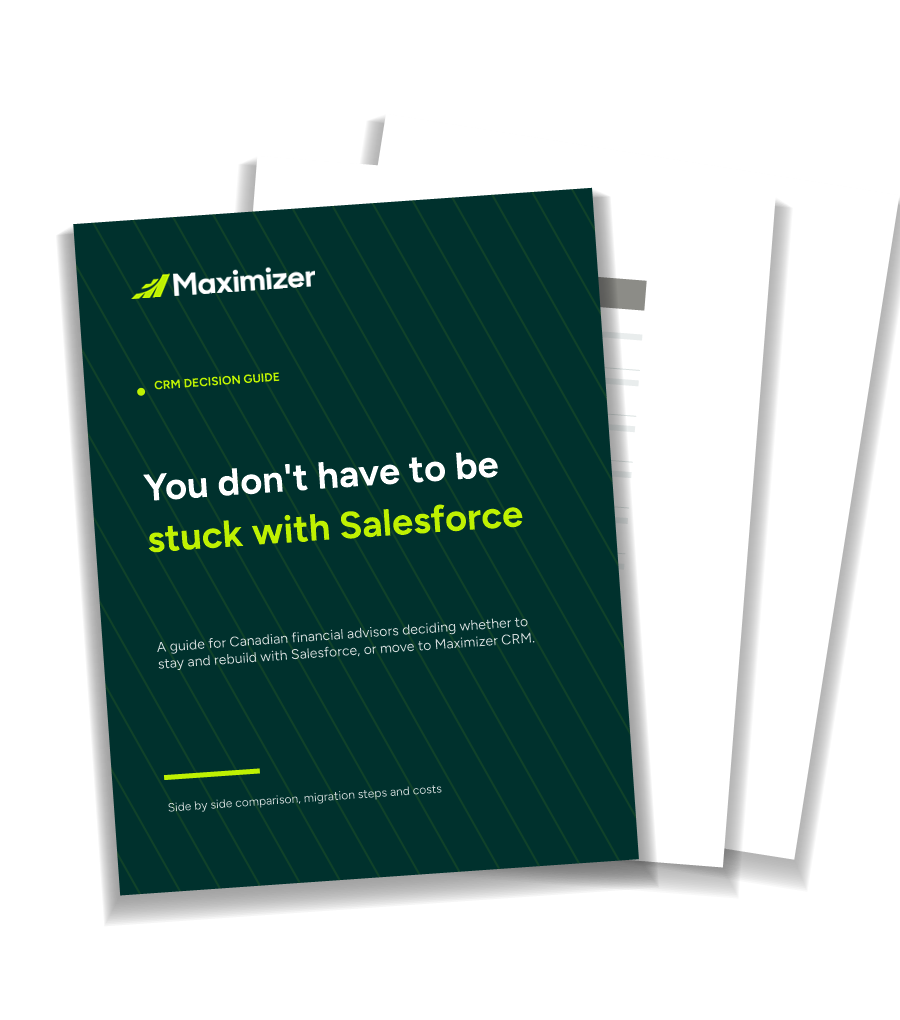
Get the free Maximizer CRM vs Salesforce guide
Includes what a four-person advisory team pays on each, in Canadian dollars.
If you did leave Salesforce, what would that involve?
This is the question that stops most advisors. Moving to Maximizer CRM happens in two stages: first your firm gets migration-ready, then each team moves in as little as 10 business days. Our in-house Professional Services team handles every step, with no third-party vendor.
Before Day 1: Get migration-ready
Discovery, data mapping, firm-wide configuration, testing and validation, then a pilot with one or two advisor teams.
How long this stage takes depends on your firm, and we will estimate it with you on your first call.
Day 1: Move each team in as little as 10 business days
We extract your data
We help you extract your records, and a dedicated data specialist reviews them before anything goes live.
We clean it up
We tell you what needs fixing. You can do it yourself, or we do it for you.
We build your team’s setup
Usually one to two days, plus your Outlook integration.
We train you
Live instructor-led classes included, and offered weekly through our Training Academy.
You go live
Your team starts working in Maximizer CRM, with customer success resources on hand after launch.
Connecting your other systems
Linking Maximizer CRM to your accounting or billing system (ERP), or to your firm’s central data store (data lake), is usually possible. We scope it during the migration-ready stage rather than promise it upfront. When there is a delay, it is most often about getting access approved, not the technical work.
What actually differs, day to day
The things advisory teams tell us decide it, rather than a feature list.
Trusted by 120,000 teams worldwide













Switching is not automatically the right move
Before you change anything, work out whether the platform is the problem or the way yours was built is.
Maximizer CRM is worth a look if
- Your firm lets advisory teams choose their own CRM, so this is actually your decision to make.
- You want software that already understands advisory work, rather than a general platform somebody shaped into one.
- You need a change made and do not want to raise a ticket with an outside consultant to get it.
- Your clients’ data staying in Canada matters to you or to your compliance team.
Stay on Salesforce if
- Your firm mandates it. Then this is not your decision, and the rest is background reading.
- Your practice depends on specialized AppExchange applications that would be difficult to replace on another CRM platform.
- You are part of a large or global organization that needs one platform across sales, service and marketing.
- Your build is sound and the real problem is that nobody trained you. Fixing the training is cheaper and faster than changing CRM.
Where Maximizer CRM stands out
Training that actually happens
Live instructor-led classes are included in onboarding and offered weekly, rather than being bought separately or left to a partner.
Changes made in-house
Adding a field or adjusting a workflow goes to Maximizer CRM, not to a second company you have to find, contract and chase for a quote.
Canadian data hosting
Client data stays in Canada with no residency caveats, which gives your compliance team a clear answer.
Best in class CRM software
Simple to use. Powerful in practice.
35+ years helping sales and financial services teams land, keep and grow customers.
It’s a versatile CRM that has proven to be multifunctional for our company. We would be lost without Maximizer!
Now see the move for your own firm
The guide shows how the two compare. A demo shows what moving would mean for your practice. Bring your setup and ask what would come across from Salesforce, what would need cleaning first, and whether anything at your firm needs a discovery session.
Pricing, features and product names referenced change frequently; treat figures as directional only and confirm current terms directly with each vendor before purchasing. Salesforce and AppExchange are trademarks of Salesforce, Inc. This page is not financial or legal advice.
