Note that Calendar sync is one-way (Outlook → Maximizer) Changes in Maximizer won’t update Outlook.
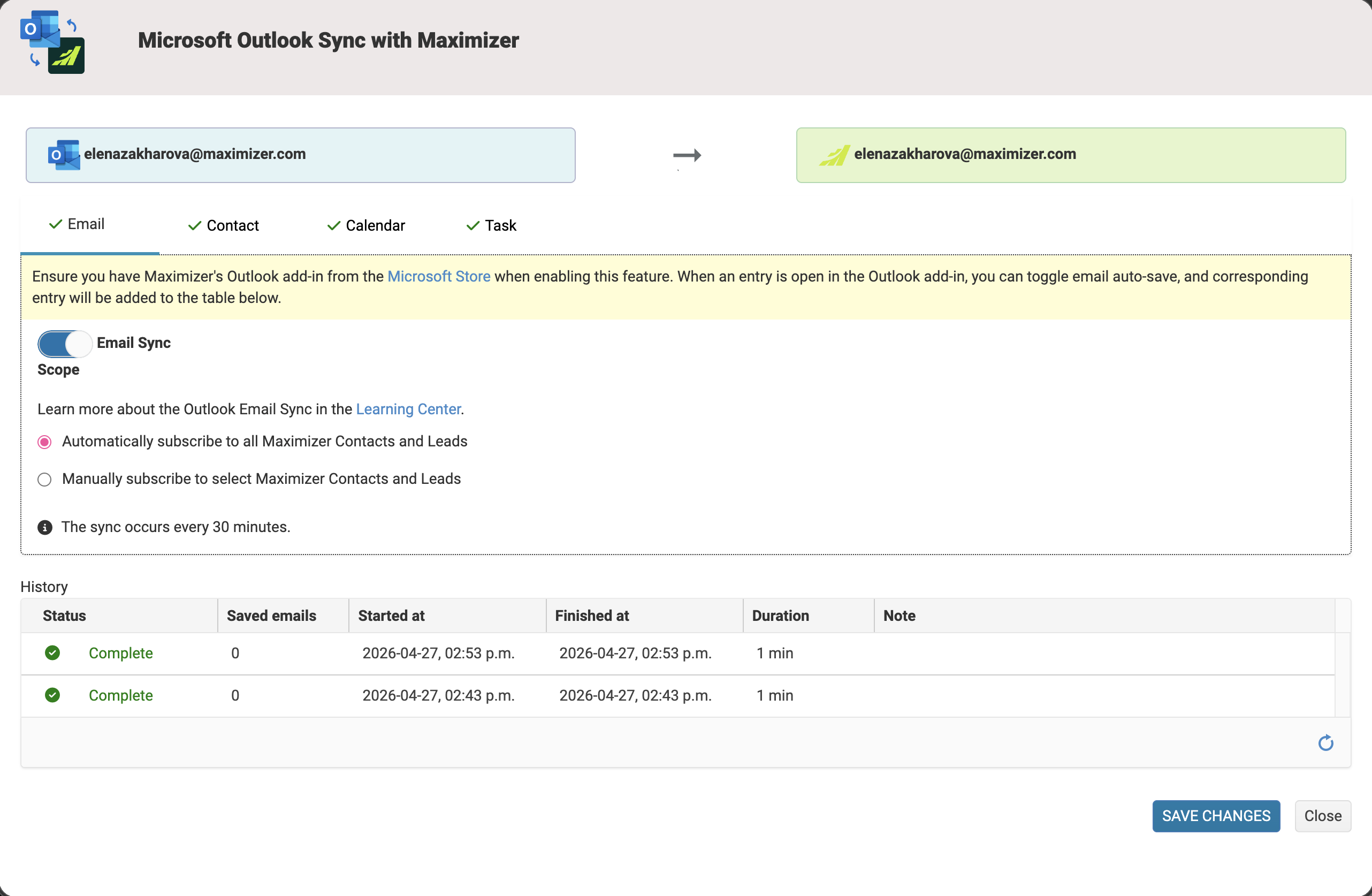
Maximizer’s Microsoft Outlook Sync provides a streamlined solution for syncing contacts, tasks, and emails, specifically designed for sales and marketing professionals using Microsoft 365 accounts. Keep your data consistently updated in both Maximizer and Outlook, allowing you to concentrate on delivering exceptional customer service.
Features:
Task Synchronization (Outlook ↔ Maximizer): Automatically sync tasks between Maximizer and your selected Outlook To Do List, ensuring you stay organized and up-to-date with your responsibilities.
Contact Synchronization (Outlook ↔ Maximizer): Sync your Outlook contacts categorized under “Maximizer” with your preferred favorite list in Maximizer, making it easier to access important contacts.
Email Auto-Saving (Outlook → Maximizer only): Eliminate the tedious task of manually logging emails. The Email Auto-save feature automatically saves your Outlook emails to the relevant Address Book entries and Leads in Maximizer, preserving a complete history of customer interactions while saving you valuable time.
Calendar Synchronization (Outlook → Maximizer only): Seamlessly sync Outlook events to Maximizer and have them linked to Maximizer contacts and leads, ensuring accurate activity tracking for better collaboration and customer insights.
Prerequisites:
You must be a Cloud Maximizer client.
You must be using Maximizer version M9 2024 or higher.
A Microsoft Outlook 365 account is required.
To use the Contact Sync feature, you must have Read, Insert, and Modify permissions for the Address Book module. To use Calendar Sync, you need at least Read permission for the Leads module and the Address Book module.